
Passkeys: A Safer and Simpler Alternative to Passwords
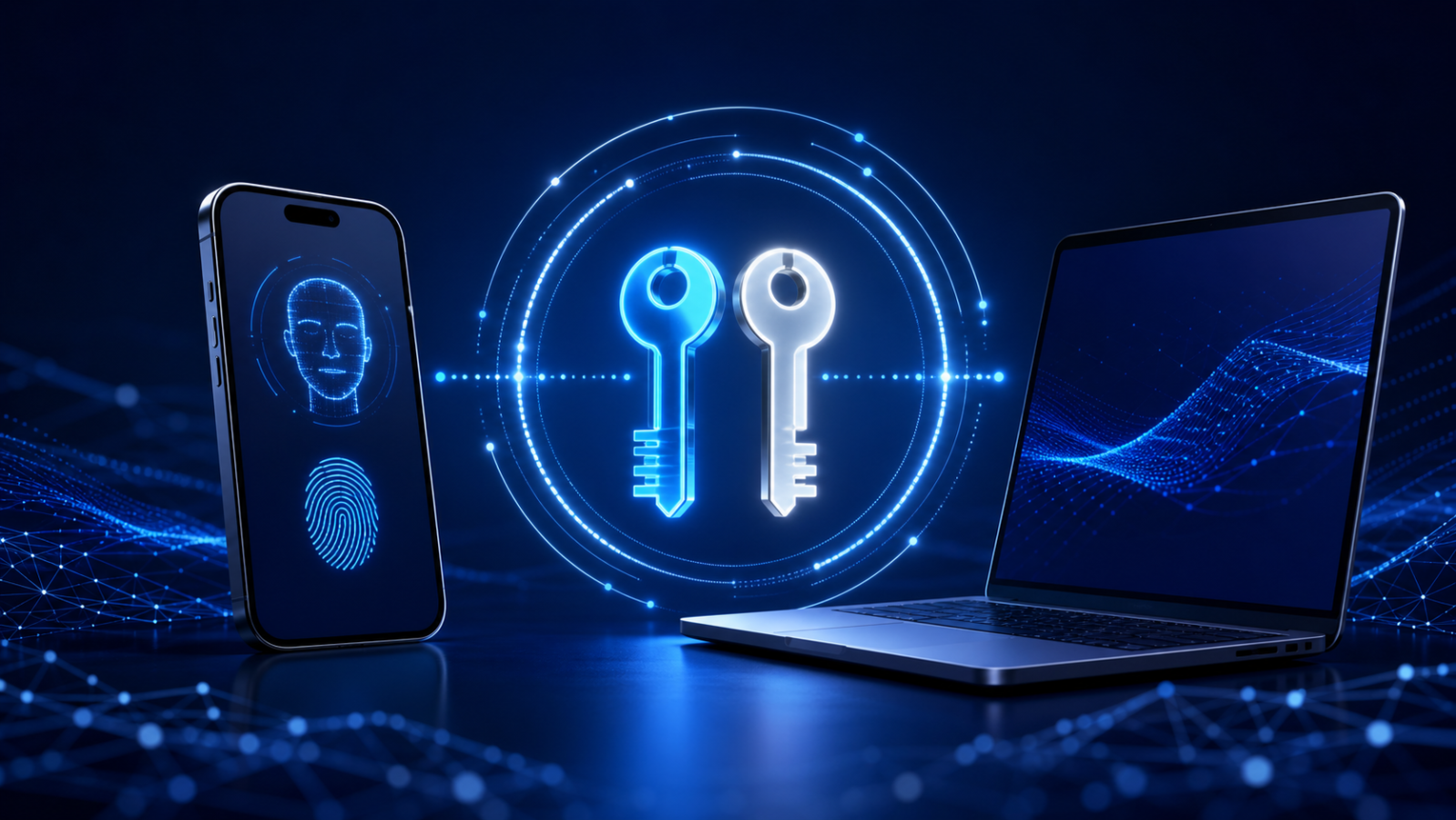
Passwords are easy to copy, reuse and enter into a convincing fake website. Passkeys replace that shared secret with a cryptographic credential stored on a user’s device or in a passkey provider. Major operating systems and browsers support the technology through FIDO standards and WebAuthn.
How a passkey works
When a passkey is created, the device generates a cryptographic key pair. The website stores the public key; the private key remains with the user’s passkey provider or security key. During sign-in, the website sends a challenge that the private key signs after the user unlocks it with a PIN, fingerprint or face recognition.
The biometric information is used locally to unlock the credential. It is not sent to the website.
Why passkeys resist phishing
A passkey is bound to the legitimate website identity. A look-alike phishing domain cannot request a valid signature for the real service. There is also no password database containing reusable secrets for an attacker to steal. The FIDO Alliance describes both synced and device-bound passkeys as phishing-resistant.
Synced and device-bound passkeys
- Synced passkeys can be encrypted and made available across devices through a platform or password manager. They are convenient for most users.
- Device-bound passkeys remain on a particular hardware authenticator, such as a security key. They may suit organizations with stricter device-control requirements.
Adoption checklist
- Add passkeys to important accounts when the service supports them.
- Secure the account that synchronizes your passkeys with strong recovery controls.
- Register more than one authenticator where possible, especially for business administration.
- Review account recovery: a weak password fallback can undermine a strong passkey login.
- Do not delete existing recovery methods until the new sign-in has been tested on another device.
Passkeys are not a reason to disable security controls during normal operations. Administrators should still protect device access, recovery flows and high-risk actions. For services that do not yet support passkeys, use unique passwords from a password manager and phishing-resistant multi-factor authentication where available.
Source: FIDO Alliance: Passkeys and FAQ.